
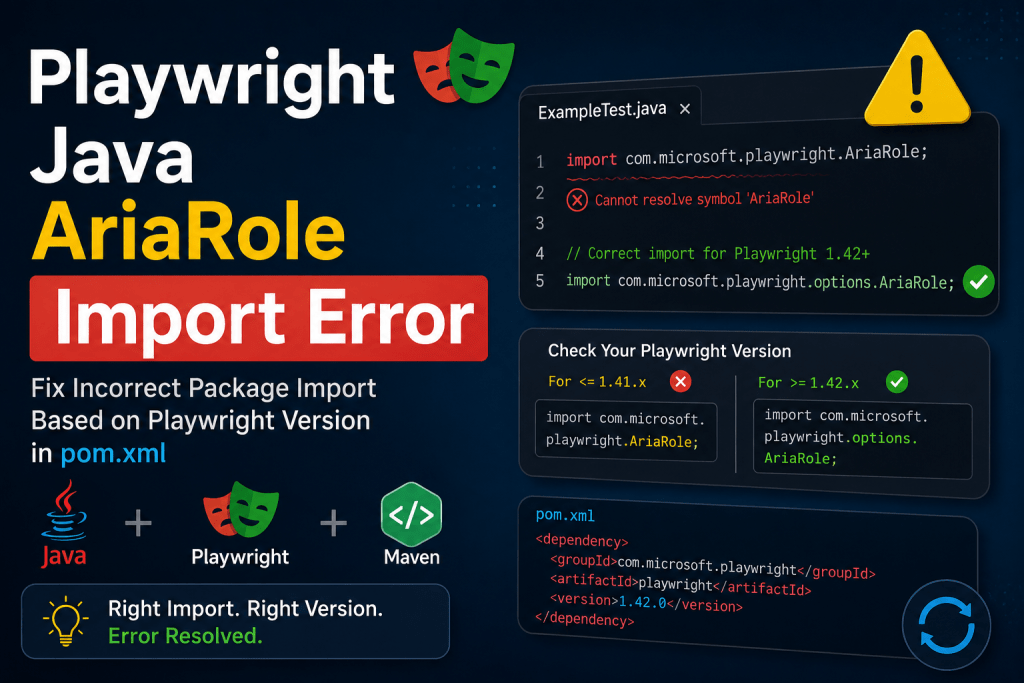

The Package Name dilemma based on what Playwright version you are using
When working with Playwright Java, I recently encountered an import error for AriaRole, even though the Playwright dependency was correctly added to my Maven project. Here we will try to fix Playwright Java AriaRole Import Error.
For example:
import com.microsoft.playwright.AriaRole;
may fail with:
Cannot resolve symbol 'AriaRole'
The issue is usually not that Playwright is missing. The problem is the package name.
The Correct AriaRole Import
For Playwright Java, the correct import for specifically this version or below: 1.52.0 is:
import com.microsoft.playwright.options.AriaRole;
The AriaRole enum is located inside the com.microsoft.playwright.options package.
Maven Dependency
Make sure your pom.xml contains the Playwright Java dependency:
<dependency> <groupId>com.microsoft.playwright</groupId> <artifactId>playwright</artifactId> <version>1.52.0</version></dependency>
After adding or updating the dependency, reload the Maven project in your IDE.
Example: Using AriaRole with getByRole()
Once the correct import is used, you can use Playwright’s role-based locator API:
import com.microsoft.playwright.AriaRole;import com.microsoft.playwright.Page;
However, depending on the Playwright Java version, the correct AriaRole package should be verified against the version you are using. For Playwright Java 1.52.0, the typical usage is:
import com.microsoft.playwright.options.AriaRole;
Example:
page.getByRole( AriaRole.BUTTON, new Page.GetByRoleOptions() .setName("Login")).click();
Why Use getByRole()?
Role-based locators are based on the accessibility tree and are often more meaningful than fragile CSS or XPath selectors.
Instead of:
page.locator("#loginButton").click();
you can write:
page.getByRole( AriaRole.BUTTON, new Page.GetByRoleOptions() .setName("Login")).click();
This makes the test intent clearer:
Find the button whose accessible name is “Login”.
Common Mistake
The following import may cause an error:
import com.microsoft.playwright.AriaRole;
The correct import for the Playwright Java version discussed here is:
import com.microsoft.playwright.options.AriaRole;
Conclusion
When an import such as AriaRole cannot be resolved in a Playwright Java project, first verify the exact package name for your Playwright version.
For Playwright Java:
import com.microsoft.playwright.options.AriaRole;
is the key import to check.
A small package-name difference can cause a compilation error even when the Maven dependency itself is correctly configured.
Related Articles
✓ Real-World Playwright Framework
✓ Playwright Cloud Execution BrowserStack & LambdaTest
✓ Playwright Architecture Explained
✓ Playwright Setup with TypeScript
✓ Playwright Locator Strategies
✓ Playwright Auto-Waiting Mechanism
✓ Complete Playwright Tutorial
Playwright Java Fixtures using @UsePlaywright
Playwright Interview Questions and Answers
Discover more from Rotebit
Subscribe to get the latest posts sent to your email.


